Why Spend $150 on Monitor Lighting:
BenQ ScreenBar Halo 2 In-depth Review
The Pinnacle of Deskterior, BenQ ScreenBar Halo 2
For users serious about their desk setup, 'monitor lighting' is no longer an option but a necessity. Yet, amidst the sea of cheap alternatives, the **BenQ ScreenBar Halo 2** maintains its premium price tag. In this review, we'll dive into why this product is considered the 'ultimate' choice and if it's truly worth the investment.
2nd Gen Wireless Controller: Unmatched Tactility
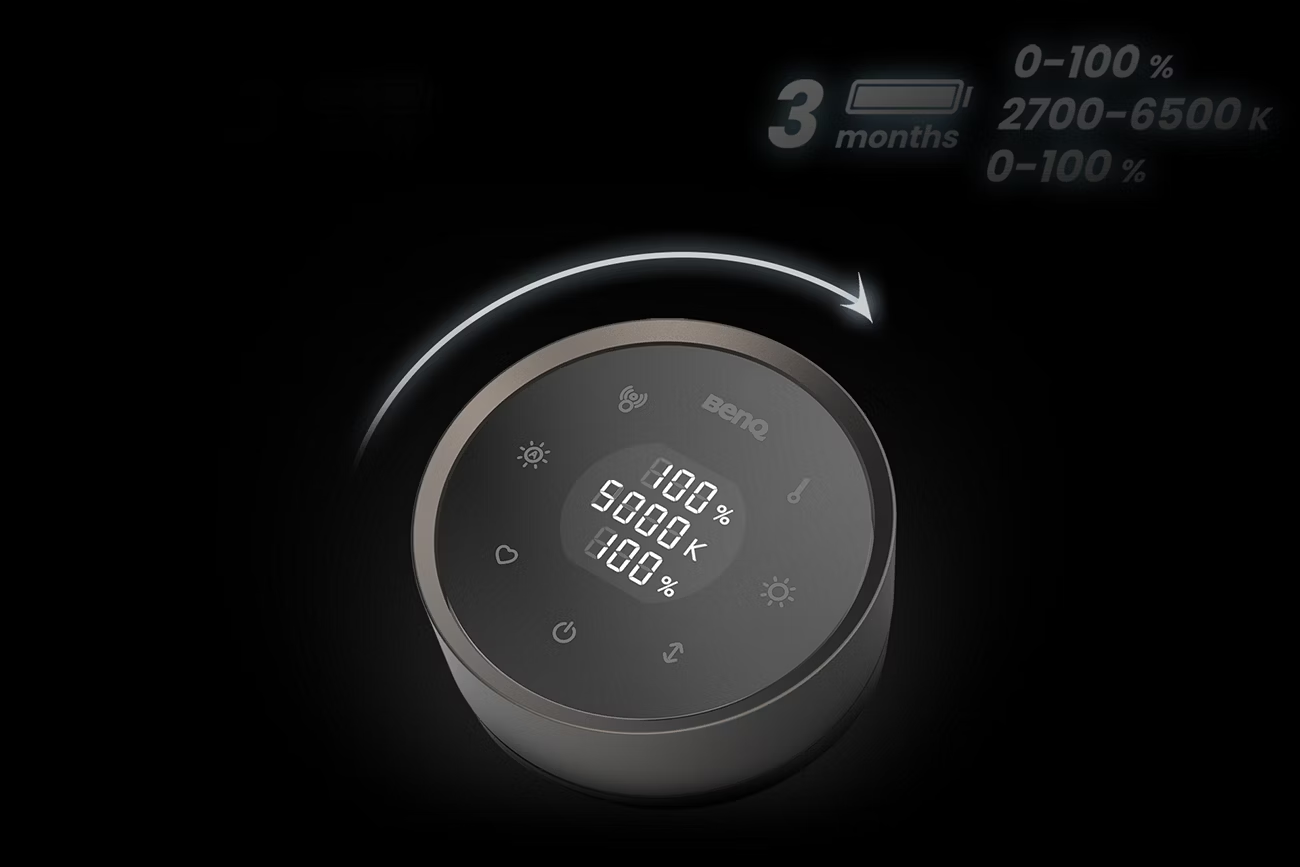
The biggest change in the Halo 2 is the wireless controller. The proximity sensor responsiveness, a common complaint in the first gen, has been drastically improved. It activates instantly as your hand approaches, and the dial's rotation feel provides heavy, precise feedback reminiscent of high-end audio equipment.
Pro Tip
Combining the wireless freedom of the Logitech MX Master 4 with the BenQ Halo 2's wireless dial completes a true wireless 'deskterior'.
Dramatically Enhanced Proximity Sensor
Unique Optical Design: Zero Glare Miracle
The primary reason for using a monitor light is 'eye care'. Standard lights reflect off the monitor panel, increasing eye strain. BenQ's asymmetric optical design directs light precisely onto the desk, not the screen. This technological edge is what separates BenQ from low-cost imitators.
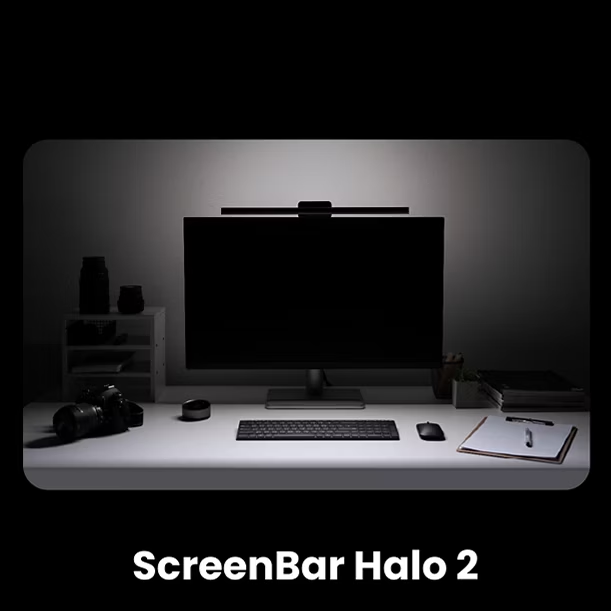
This is exactly why MacBook Pro M5 users, often dealing with glossy screens on external monitors, seek out this solution first. It perfectly suppresses reflections even on glare-prone panels, significantly reducing fatigue during high-resolution tasks.
Ambient Light for Ultimate Immersion
Upgraded Backlight
The rear ambient light, now brighter than the first generation, illuminates the wall behind the monitor to reduce contrast glare. Not only does this provide visual comfort, but it also extends the on-screen content to the entire desk area, maximizing immersion during movies or gaming.
500 Lux Auto Dimming
The ability to detect ambient light and automatically adjust to the recommended 500 lux level offers a convenience you can't live without once experienced. It ensures optimal visibility day and night.
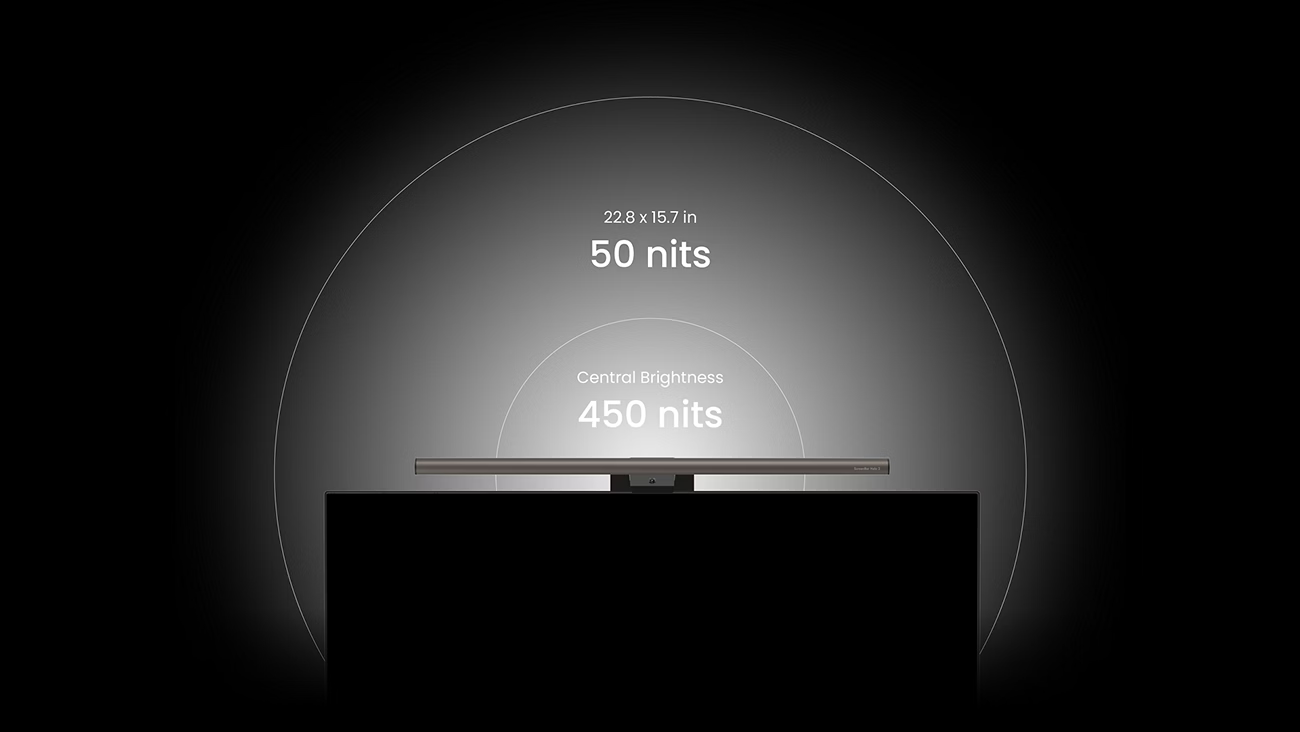
BenQ's Precise Optical Path for Clean Illumination
How to Spot Fake ScreenBars
1. Presence of Asymmetric Optical Lens
Cheap models simply tilt the LEDs, causing screen glare. BenQ uses a patented lens to control light directionality.
2. CRI (Color Rendering Index) 95+ Quality
BenQ achieves Ra>95, close to natural sunlight, minimizing eye strain. Cheap lights often have a strong blue tint that fatigues the eyes quickly.
3. Controller Precision
Laggy wireless controllers or sensor malfunctions only cause stress. The industrial-grade sensors in Halo 2 provide unmatched reliability.
Recommended Product
The BenQ ScreenBar Halo 2 is more than just a light; it's a productivity tool that protects your eyes and maximizes work efficiency. While the $150 price tag might seem steep initially, there's no better investment for reduced eye fatigue and a perfect desk setup.